

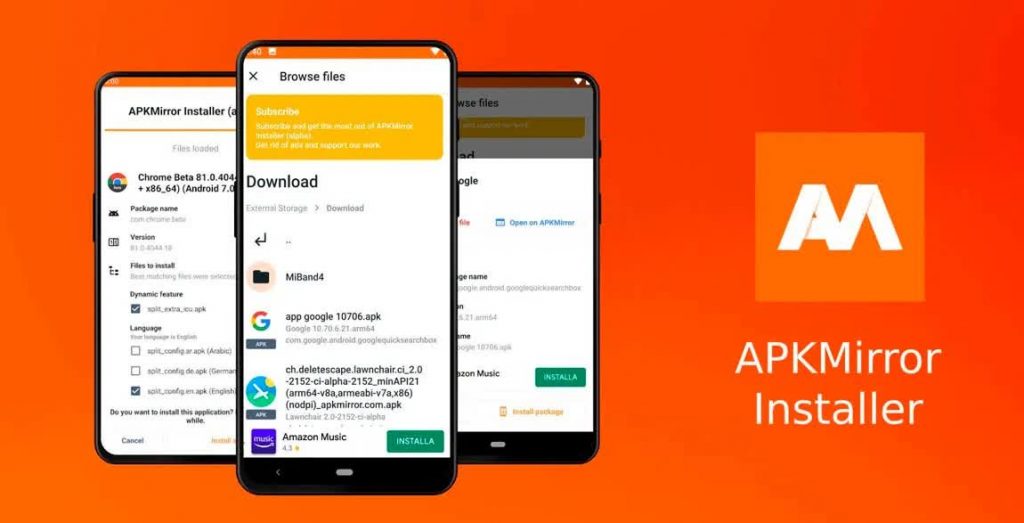
APK Mirror, an application store that allows you to download the latest versions of your most popular apps without geographical restrictions in APK format.
Not only will you be able to use it on Android devices, you will also be able to make it useful for FireTV, downloading and installing applications that do not come in its AppStore.
What is an APK?
An APK is an executable file for Android that allows you to install packaged components on the system.
To use it on Fire TV Stick we will follow these steps:
Example of HBO MAX APK (To be able to install and use the App)
- Turn on your Fire TV.
- From the search engine type Downloader, download and install it.
- We are going to My Fire TV – Developer options – Installing unknown Apps – Activate in downloader.
- We open the application, give it the permissions, from Browser and type APK Mirror.
- Inside the page, using the search option, enter “HBO” and accept.
- Choose the most recent result and the one that says “Android TV”, download and install it.
- We open it from the App Store.
Note: Install the one that says HBO Max (Android TV)
Are these applications safe?
According to several developers or some newspapers APK Mirror is safe, and does not expose corrupted or virus files..
But to be reassured we can verify the file we are going to download from our computer, accessing to APK Mirror and downloading the same file (e.g. HBO Max) that we are going to install on the Fire TV.
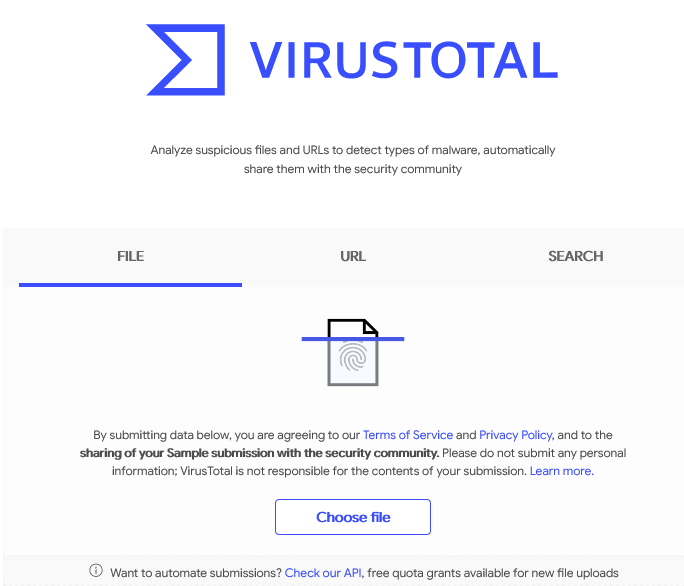
Once downloaded to the PC and without opening it, we go to our favorite browser, we write Virus Total and upload the file for testing.
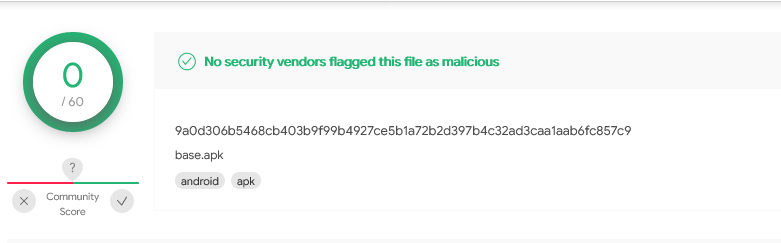
To be on the safe side, we will also do it from APKPure, and in the same way we will inspect it to be reassured.
If the two tools give us the go-ahead, we will proceed with the installation from our Fire TV Stick following the steps below previous.